Reports and Sharing
Turn the map and the analysis into a shareable document in one click.
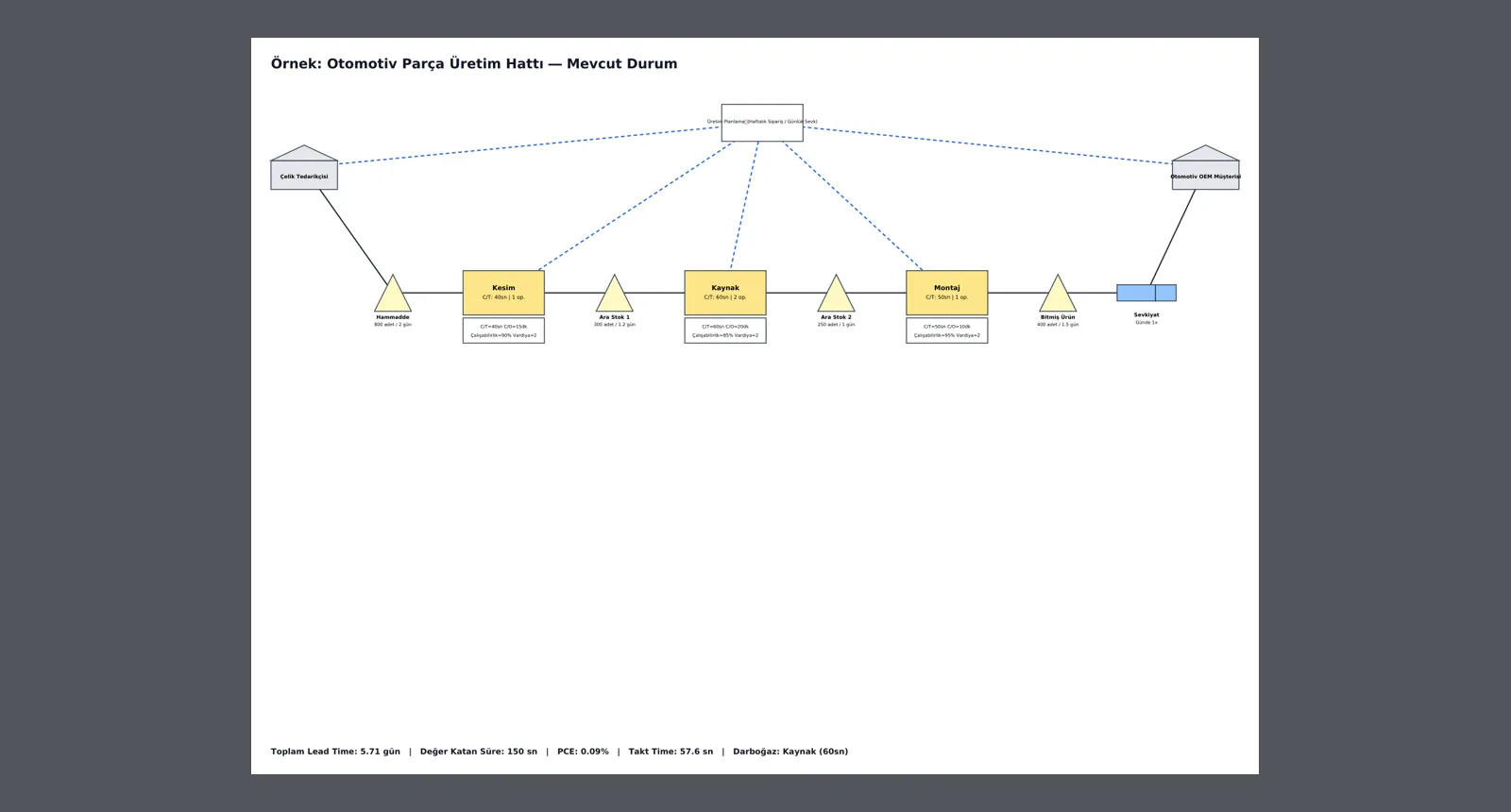
Current- and future-state maps export to PDF as real vector diagrams identical to the screen, with metrics at the bottom of the page. The waste analysis report downloads as PDF or Markdown.
What you gain with VALUEX
- The PDF is redrawn with the same symbols as the application; it is not a screenshot.
How it works
One step from map to document.
-
1
Download the current state
From the project page, get the map with its metrics summary as a vector PDF via 'PDF (Current State)'.
-
2
Download the future state
Get the target map in the same format via 'PDF (Future State)'; the two documents can be presented side by side.
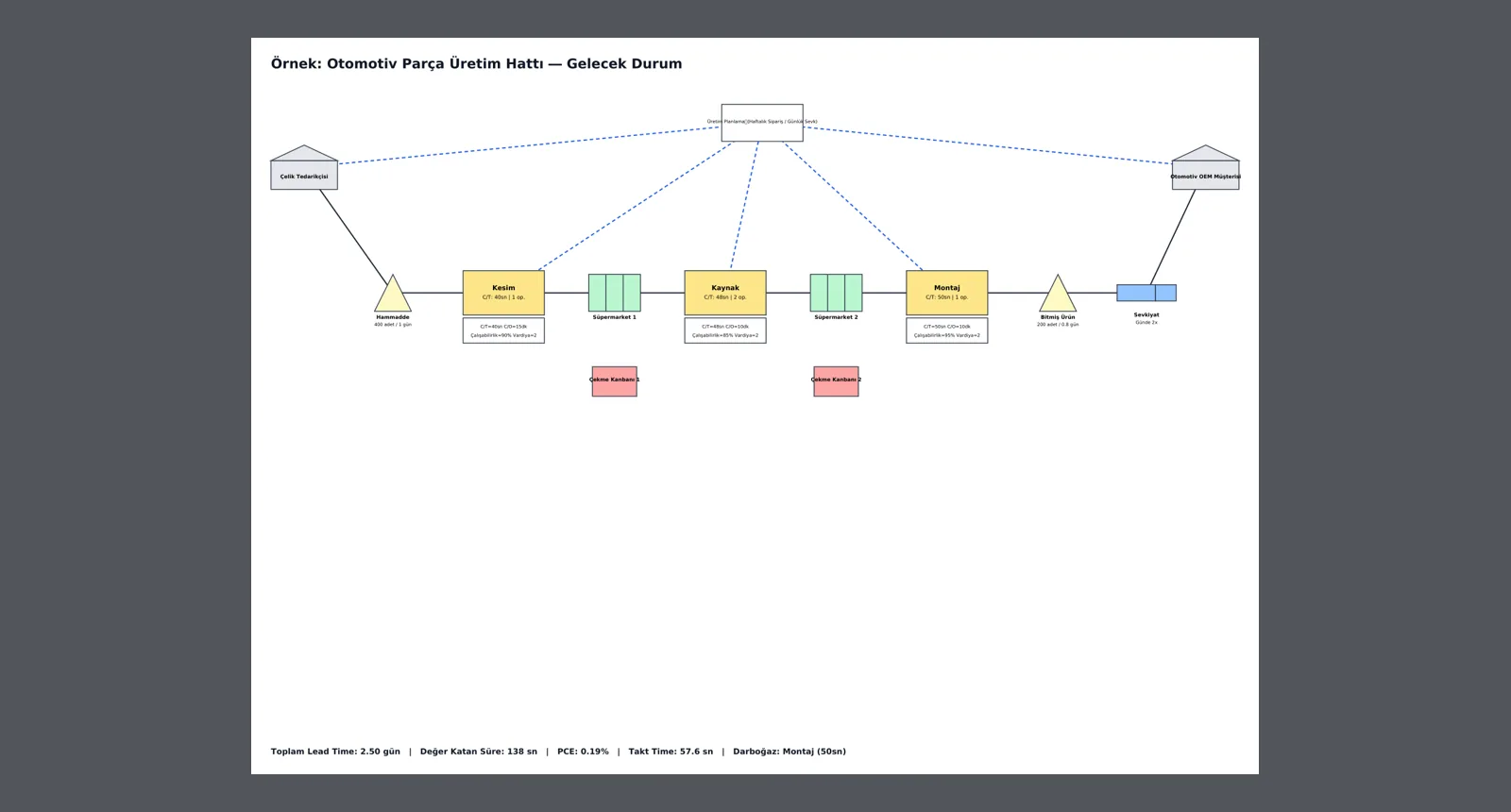
Screens are shown with sample company data; the application interface is in Turkish.
Purpose
To carry the workshop's work into a management presentation, training material or project file without loss.
Features
- Separate PDFs for current and future state
- Vector drawing: sharp when zoomed, prints in large format
- Metrics summary on the page: lead time, value-added time, PCE, takt time, bottleneck
- Waste analysis report: PDF and Markdown
Benefits
- Preparing presentations takes no time
- Everyone sees the same current document
- Ready-made material for training
Who uses it
Project leaders, trainers, lean and OpEx teams reporting to management.