Revisions and Comparison
Keep revisions and compare before and after.
Several projects and revisions are kept for the same company. When you link a project to the previous one, current-state metrics — lead time and PCE — are shown side by side between the two.
What you gain with VALUEX
- Each company's work is kept separate; in training and consulting several companies are managed in one application.
How it works
From one study to the next: open a revision, link, compare.
-
1
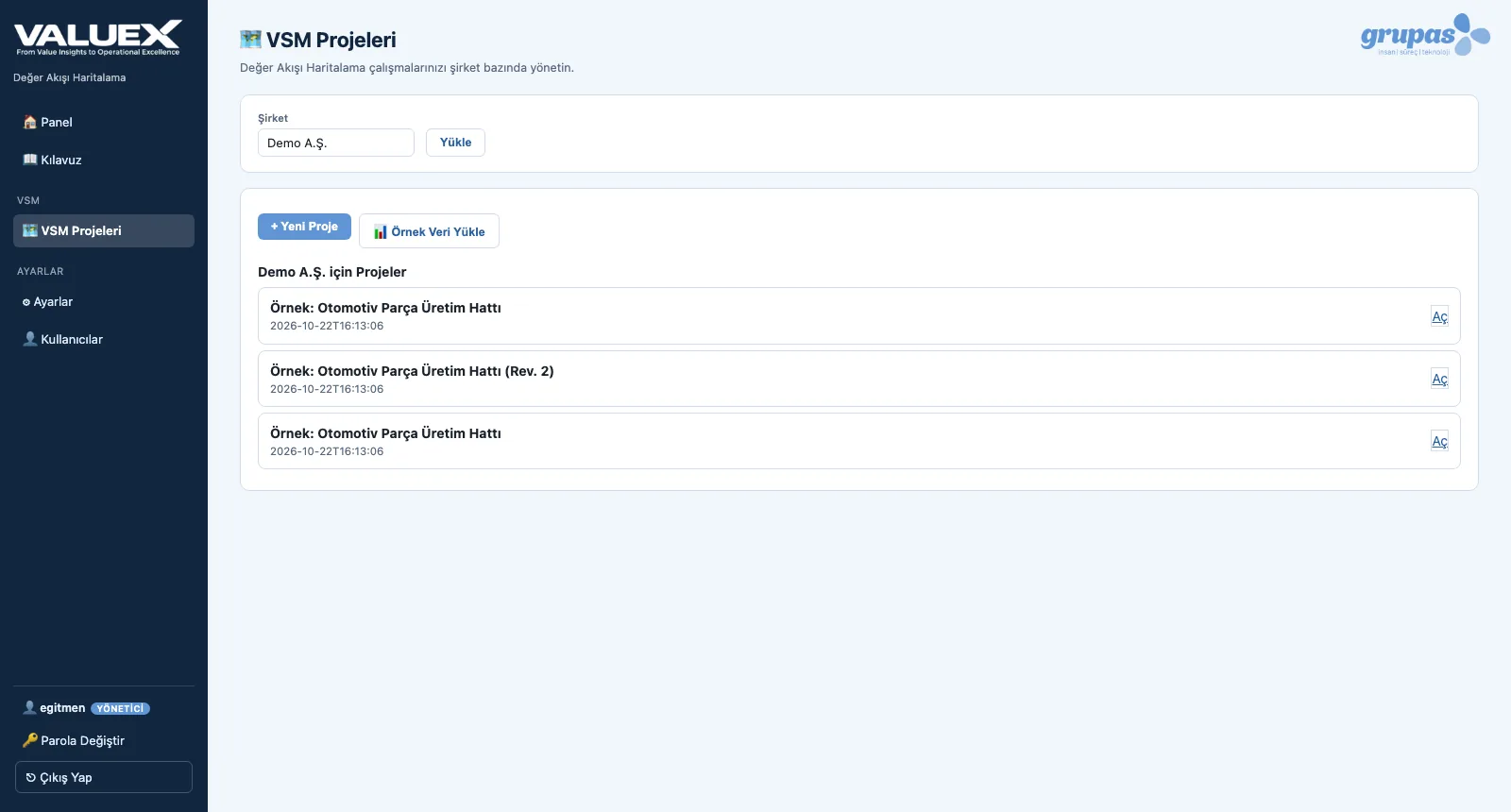
See the projects
All VSM projects and revisions of the company are listed with dates.
-
2
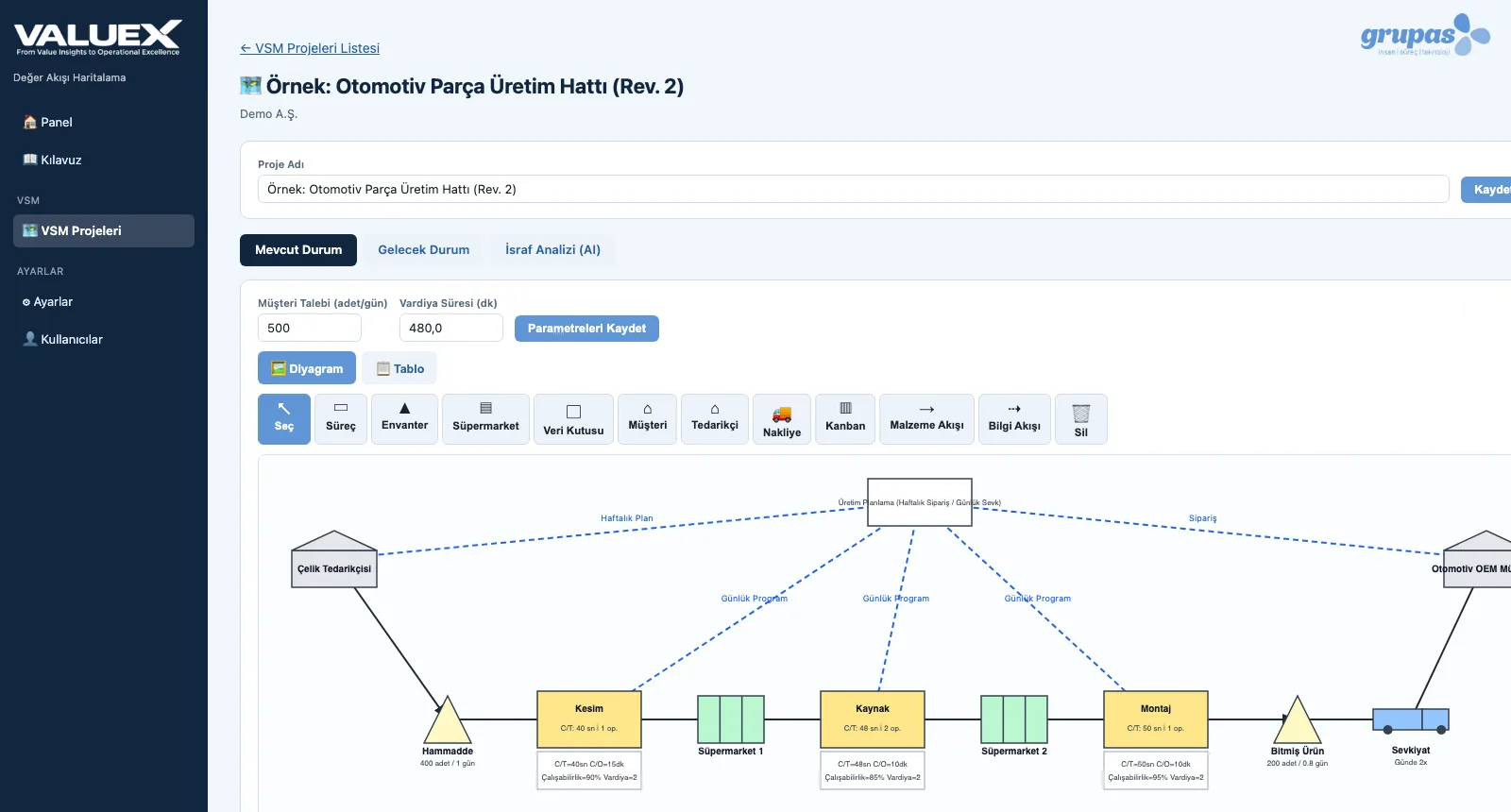
Open a new revision
Once improvements are in place, map the current flow as a new revision.
-
3
Compare
Link the project to the previous one; before → after values of lead time and PCE appear side by side.
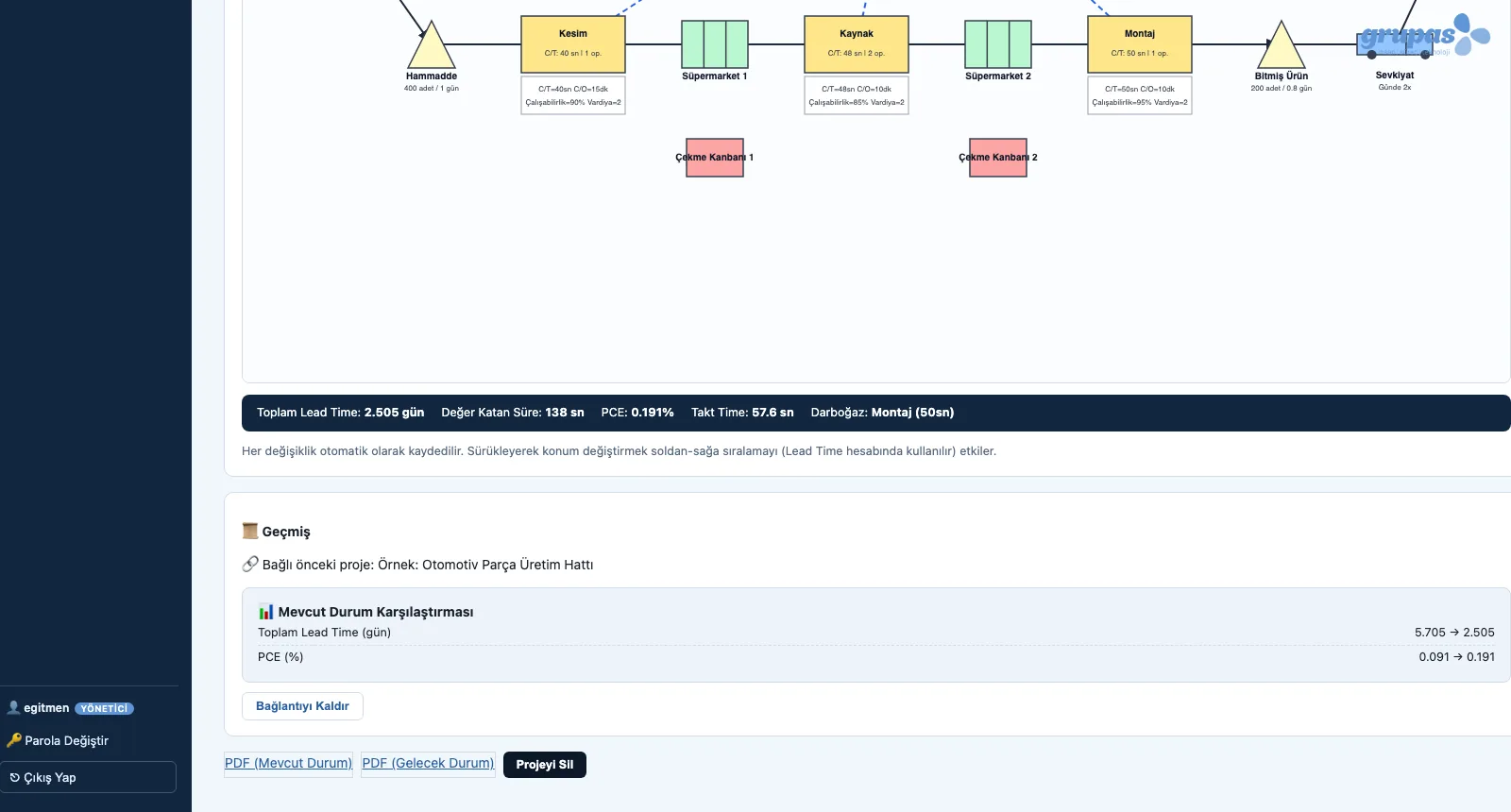
Screens are shown with sample company data; the application interface is in Turkish.
Purpose
To show that improvement really delivered, through two maps measured the same way.
Features
- Project list per company
- Open a past project as a 'new revision'
- Link to and unlink from a previous project
- Lead time and PCE comparison
Benefits
- The effect of improvement is evidenced
- The transformation journey stays on record
- The continuous improvement loop closes
Who uses it
Operational excellence managers, plant management, consulting project teams.